
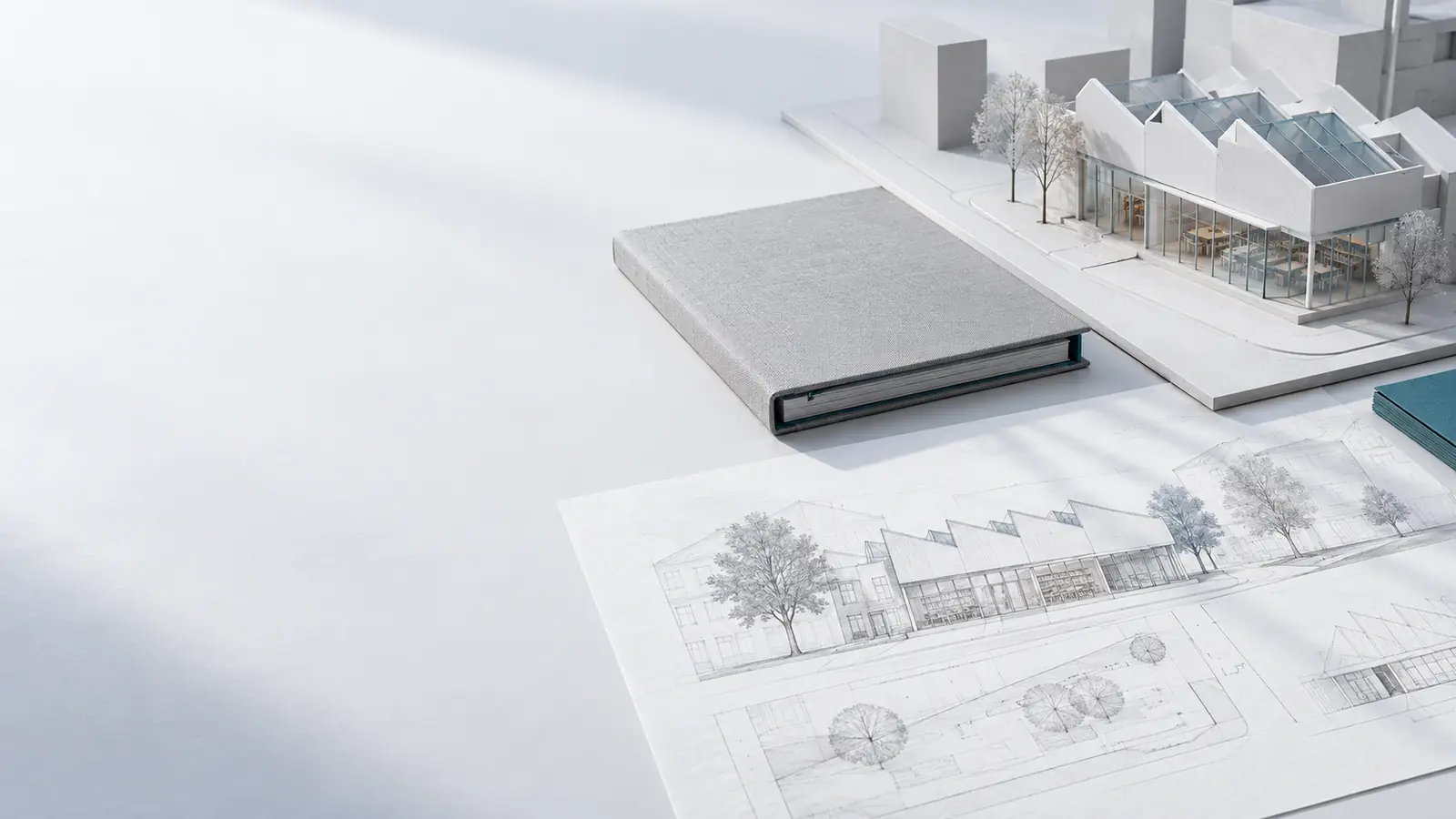
A-620Summary
Turn your projectinto one clear document.
Choose the brief, decisions and images you want to share. Nevzenit lays them out as a Summary you can edit, export as a PDF and send.
A-621Two ways to present
The right amount of detail.
- 01
Confirm the context
A Summary begins with a reviewed, confirmed project version.
- 02
Choose what to share
Select the images and edit the text. Text-only summaries are possible too.
- 03
Review the document
Check the preview and the details before exporting a PDF.
Project memoryKestrel Point House, a sample project
- SiteWest-north-west, towards the sea
- SiteTemperate oceanic
- ConstraintThe roof stays below the heath line seen from the coast path
Multi-section · PortraitSingle page · A3 landscape
Choose what to share
Present the project through a structured, multi-section document. Let context, design thinking and selected images build a connected narrative.Bring the selected project content together on one A3 landscape board. Keep the emphasis on a concise visual overview.
- Editable text
- Your selected images
- Preview before PDF export
A-622A structure for your story
Everything has its place.
Begin with the cover. Shape the narrative around the parts of the project you want to share.
- 01
Project understanding
Set out the brief and the key decisions from confirmed context.
- 02
Programme
Bring the project requirements into a clear, editable narrative.
- 03
Site & surroundings
Explain the place, its conditions and the context that informs the direction.
- 04
Design approach
Describe the ideas and reasoning you want to communicate.
- 05
Selected images
Choose up to ten images, or make a text-only document.
- 06
Next steps
Close with the questions and decisions that come next.
A structured document, with editable text and your choice of images.
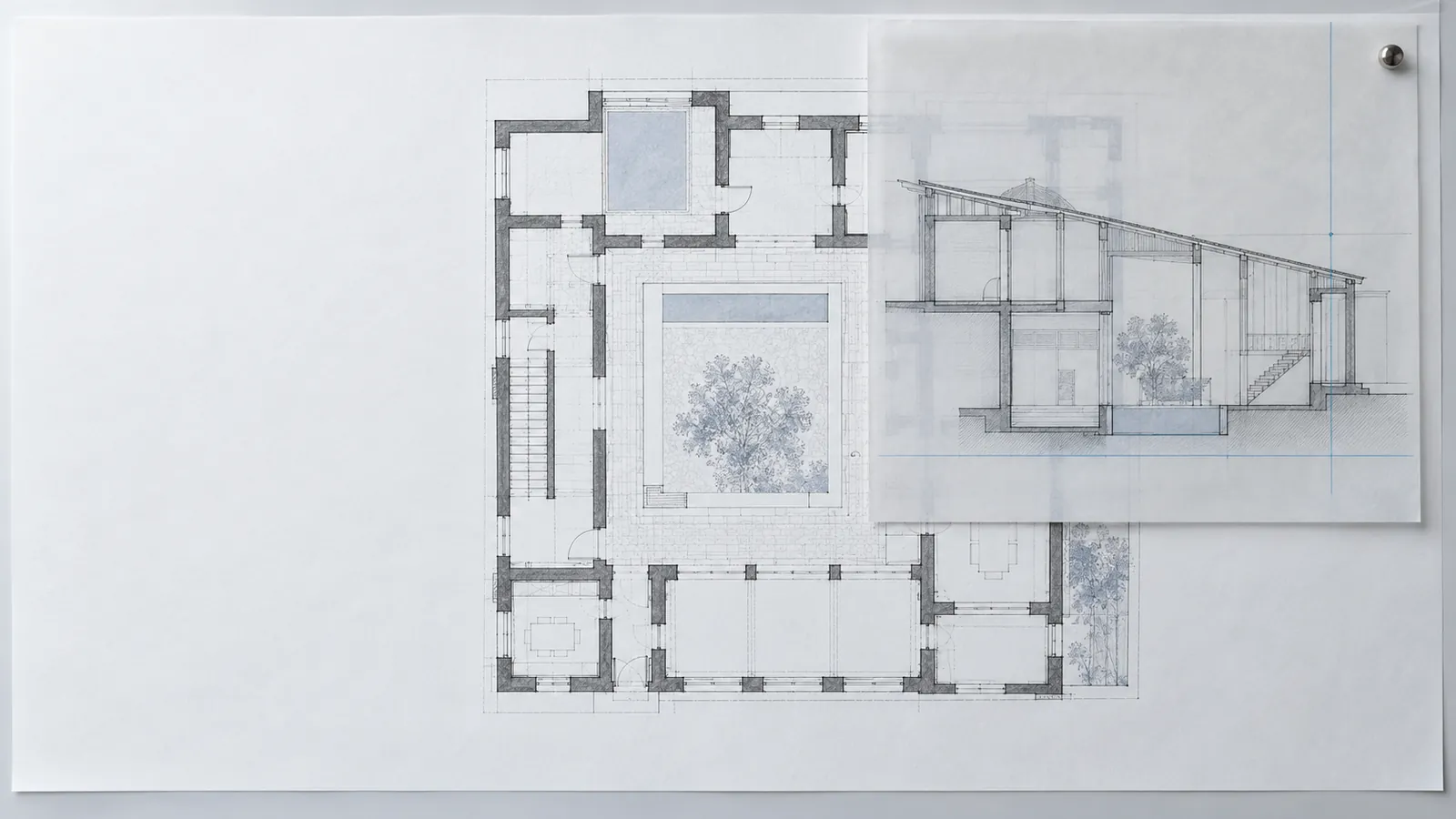
A-623A connected way to work
Your next project.A clearer starting point.
No account is needed to see the sample project.
Explore Fee proposal